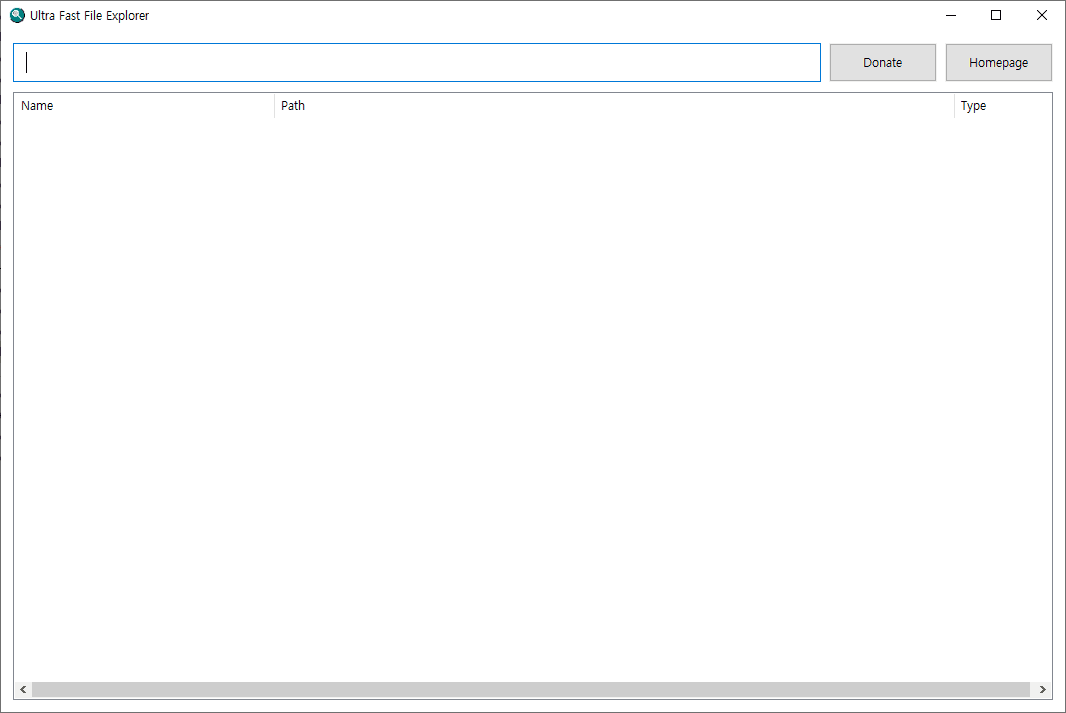
TechArchive Ultra Fast File Explorer is a lightweight free file search utility designed for extremely fast filename and folder name searching across your PC.
You can type a keyword in a simple search box and immediately view matching files and folders in one clean result list without choosing a separate folder first.
The program searches across the storage connected to your computer and is optimized for speed-focused use.
It builds an index for fast searching, saves that index for later use, and loads the saved data again on the next launch so the program becomes usable much faster after the first run.
Search results are shown in a minimal interface with file and folder icons on the left for easier recognition.
You can double-click items to open them, and you can right-click a result to use Windows-style options such as Open, Open File Location, and the normal shell context menu.
It also includes automatic update checking when the program starts.
The interface is intentionally simple and runs in English mode so you can focus only on searching without unnecessary menus or extra controls.
Key Features:
Search file and folder names across the entire PC
No need to manually choose a target folder before searching
Fast indexed search optimized for speed
Saved index cache for faster startup on later runs
Minimal English-only interface with search box and result list
Shows file and folder icons in search results
Open files directly from the result list
Open the containing folder from search results
Supports Windows right-click context menu on results
Automatically checks for updates when the program starts
Recommended Environment:
Windows 10 / Windows 11 64-bit
Installation:
Download the installer file below and run it to install the program.
If you find any bugs or have any feature requests, please leave a comment.
TechArchive Ultra Fast File Explorer는 PC 전체에서 파일 이름과 폴더 이름을 초고속으로 검색할 수 있도록 만든 무료 경량 파일 검색 프로그램입니다.
별도의 폴더를 먼저 지정할 필요 없이 검색창에 키워드만 입력하면, 일치하는 파일과 폴더를 하나의 결과 목록에서 바로 확인할 수 있습니다.
이 프로그램은 컴퓨터에 연결된 저장소 전체를 대상으로 검색하며, 속도 중심으로 최적화되어 있습니다.
빠른 검색을 위해 인덱스를 생성하고, 생성한 인덱스를 저장해 두었다가 다음 실행 시 다시 불러오기 때문에 첫 실행 이후에는 훨씬 빠르게 사용할 수 있습니다.
검색 결과는 불필요한 요소를 줄인 최소한의 인터페이스로 표시되며, 왼쪽에는 파일 또는 폴더 아이콘이 함께 보여서 대상을 쉽게 구분할 수 있습니다.
결과를 더블클릭하면 바로 실행할 수 있고, 우클릭하면 열기, 파일 위치 열기, 일반 윈도우 셸 메뉴 같은 옵션도 사용할 수 있습니다.
또한 프로그램 시작 시 자동으로 업데이트를 확인합니다.
UI는 영어 모드 기준으로 단순하게 구성되어 있어, 복잡한 메뉴 없이 검색 자체에만 집중할 수 있습니다.
주요 기능:
PC 전체에서 파일 및 폴더 이름 검색
검색 전에 대상 폴더를 따로 지정할 필요 없음
속도 최적화된 인덱스 기반 검색
다음 실행 속도를 높여주는 인덱스 캐시 저장 및 재사용
검색창과 결과 목록만 있는 최소 구성 영어 UI
검색 결과에 파일 및 폴더 아이콘 표시
검색 결과에서 파일 바로 실행
검색 결과에서 해당 폴더 위치 열기
검색 결과 우클릭 시 윈도우 컨텍스트 메뉴 지원
프로그램 시작 시 자동 업데이트 확인
권장 환경:
Windows 10 / Windows 11 64비트
설치 방법:
아래 설치 파일을 다운로드한 뒤 실행하면 설치할 수 있습니다.
버그가 있거나 추가 요청사항이 있으면 댓글을 남겨주세요.
변경 기록
Release
카테고리 & 태그
Similar Downloads


